Slug: capcut-sound-effects-not-working · Meta description: ** CapCut sound effects not playing or missing? Fix the 5 real causes – library not loaded (offline), a muted effect track, a one-frame clip, a stale cache, and a region lock – with exact phone and desktop menu paths.
CapCut’s sound effects live under Audio > Sound effects. They stream from CapCut’s servers, so if the panel is empty or a tapped effect stays silent, you hit one of five causes – most are connectivity or a muted track.
Problem 1: The Sound effects panel is empty (offline)
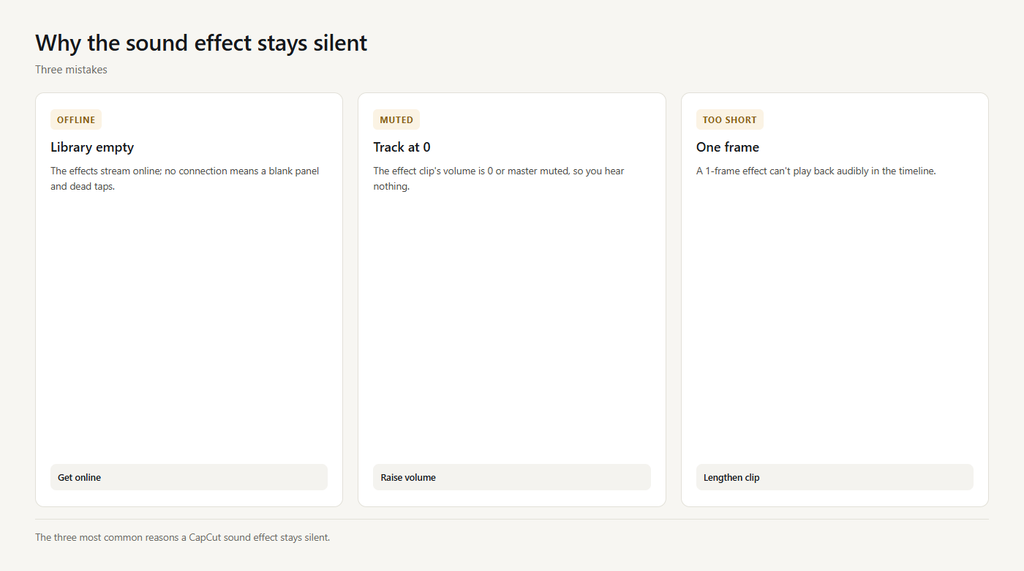
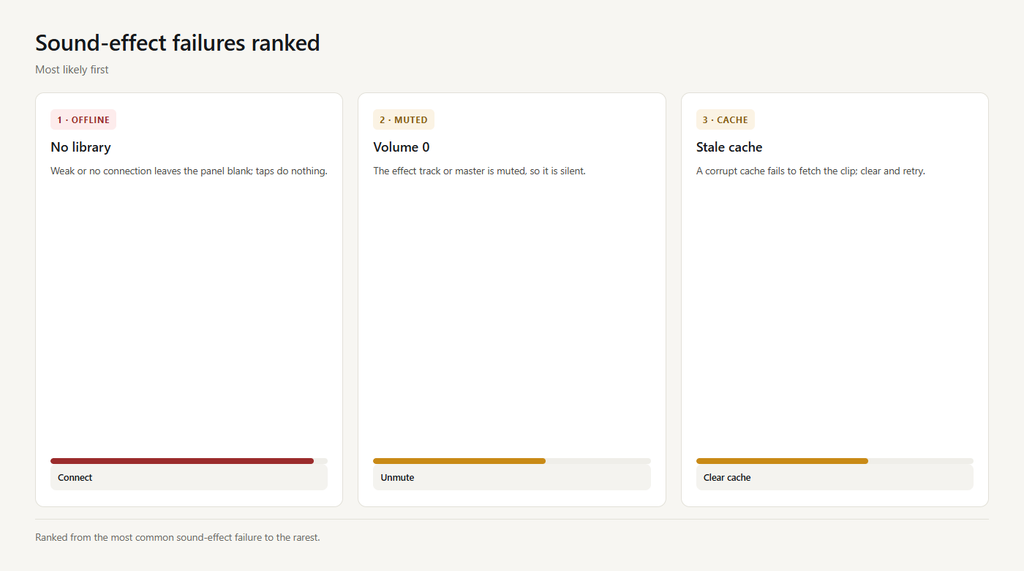
The library streams online. With no or weak connection the panel shows blank and taps do nothing, because there is no list to load.
- Check your Wi-Fi or cellular connection.
- Reopen Audio > Sound effects and wait for the list to load.
- Try a different network if it stays blank.
- Tap an effect once the list appears.
Problem 2: You added the effect but the track is muted
The sound-effect clip has its own volume. If it is 0, or the master is muted, you hear nothing even though the effect sits on the timeline.
- Select the sound-effect clip on the timeline.
- Raise its Volume to 100% on phone (Volume) or desktop (Audio tab).
- Unmute the master track if it was off.
- Preview – the effect should now play.
Problem 3: The clip is one frame or too short to hear
A one-frame sound effect can’t play back audibly. It sits on the timeline but you hear nothing, looking like a dead effect.
- Select the sound-effect clip and lengthen it.
- Make it at least a second so it can play.
- Re-position it over the moment you want.
- Preview the timeline to confirm you hear it.
Problem 4: A stale cache failed to fetch the audio
A corrupt cache can fail to download or play the effect, leaving it silent even online. Clearing cache reloads the library cleanly.
- Open Settings > Clear cache.
- Restart CapCut.
- Re-open Audio > Sound effects and re-add the clip.
- Preview to confirm it plays.
Problem 5: A region lock or older build blocks it
Some sound effects are region- or version-locked and won’t play on certain accounts or older builds, so taps do nothing.
- Update CapCut to the latest version.
- Switch your region in settings if the app allows it.
- Use a local audio file as a fallback if it stays blocked.
- Preview to confirm the effect is available.
FAQ
Where are sound effects in CapCut?
Select a clip or place the playhead, then open Audio > Sound effects (phone and desktop both under ‘Audio’). The library streams online, so you need a connection for the list to appear.
Why is the sound effects library empty in CapCut?
The library streams from CapCut’s servers. No or weak internet leaves the panel blank. Connect to Wi-Fi or cellular, reopen the panel, and wait for the list to load.
Why won’t my CapCut sound effect play?
Usually the effect track is muted (raise its Volume to 100%), the clip is one frame long (lengthen it), or the cache is stale (clear cache). Check those three first.
Are CapCut sound effects free to use?
The built-in Sound effects library is free to use in your CapCut projects. For commercial use, review CapCut’s license terms, since some assets may carry usage limits.
Can I add my own sound effects in CapCut?
Yes. Use ‘Extract audio’ from a video, or add a local audio file via the audio import option, then place it on the timeline like any sound effect. This avoids any region or connectivity limits.