Slug: capcut-captions-not-showing · Meta description: ** CapCut captions not showing? Fix subtitles that stay invisible, disappear on export, or won’t appear on the timeline. 5 real causes with fixes.
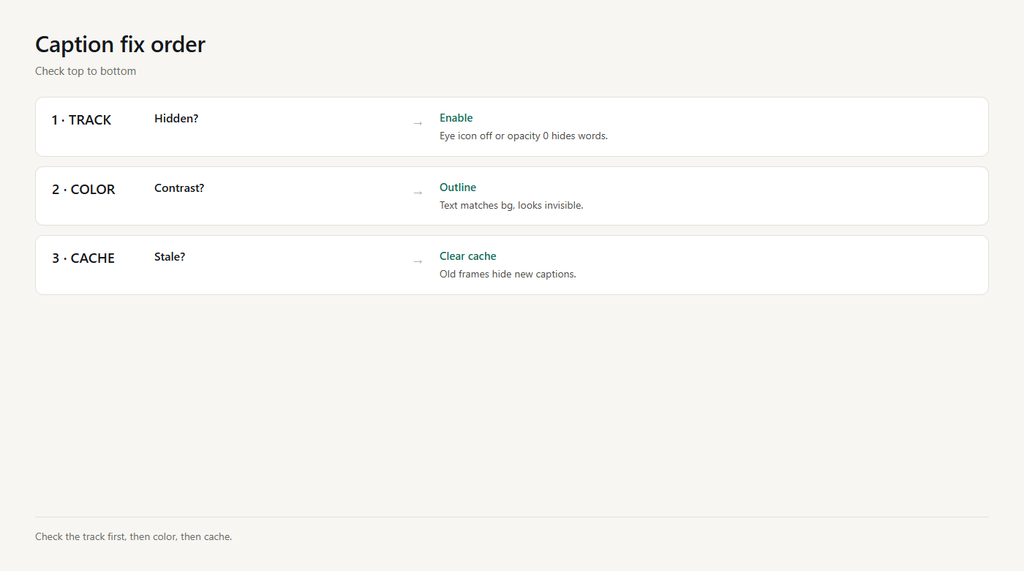
You added captions, but they don’t show on the preview, vanish on export, or never appear on the timeline. The usual reasons: the caption track is hidden or muted, the text color matches the background, the clip is too short, the cache is stale, or you exported the wrong resolution. Check in order.
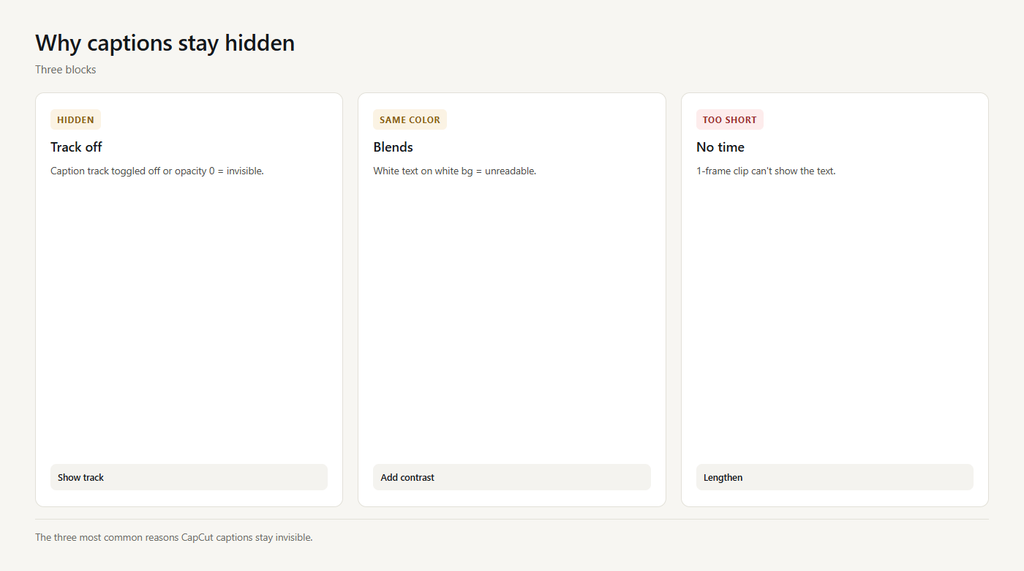
Problem 1: Caption track hidden or muted
Captions sit on their own text track. If you toggled that track off (the eye icon) or set its opacity to 0, the words are there but invisible.
- Open the timeline and find the captions/text track.
- Make sure the eye icon is on and opacity is 100%.
- Play; the captions should now appear.
Problem 2: Text color blends into background
If the caption color is white on a white scene (or black on black), the text is technically showing but unreadable.
- Select the caption and open the text style panel.
- Change the color to high-contrast (white with a dark outline).
- Add a shadow or background pill so it reads on any shot.
Problem 3: Clip too short for the caption
A caption tied to a one-frame or very short clip can’t render long enough to be seen.
- Lengthen the underlying clip or the caption duration.
- Re-open the caption and confirm its duration matches the audio.
- Preview to confirm it stays on screen.
Problem 4: Stale preview cache
CapCut caches caption frames. After edits, old frames can hide new captions on replay.
- Scrub past the caption and back, or reopen the preview.
- Clear cache in Settings > Clear cache.
- Replay to confirm the captions show.
Problem 5: Exported wrong resolution
Some exports drop burned-in captions if you export a version that doesn’t include the text layer (e.g., a separate audio-only or lower track export).
- Re-export with ‘Captions burned in’ enabled if the option exists.
- Keep the caption track included in the export.
- Re-check the final file.
FAQ
Where are captions in CapCut?
Use Auto captions or add a text layer and type your words; both create a caption track on the timeline you can style and move.
Why are my CapCut captions invisible?
The caption track is hidden/muted, the text color matches the background, or the clip is too short. Show the track, add contrast, and lengthen the clip.
Why did captions disappear after export?
A stale cache or an export that didn’t include the text layer. Clear cache and re-export with captions burned in.
How do I make captions readable on any background?
Use white text with a dark outline or a semi-transparent background pill, plus a drop shadow. That keeps them legible on light and dark shots.
Do CapCut auto captions show on the timeline?
Yes. Auto captions generate word-by-word text blocks on a dedicated track; if they don’t appear, the analysis may have failed (check audio clarity).