Slug: capcut-caption-style-not-saving · Meta description: ** CapCut caption style not saving? Fix fonts, colors, and positions that reset. Covers the 5 real causes with step-by-step fixes.
You spent time styling captions (font, color, position) and they snap back to default on the next clip or after reopening. This is almost always a preset-vs-per-caption conflict, an unsaved default, a cache reset, or applying style to the wrong layer. Run the checks.
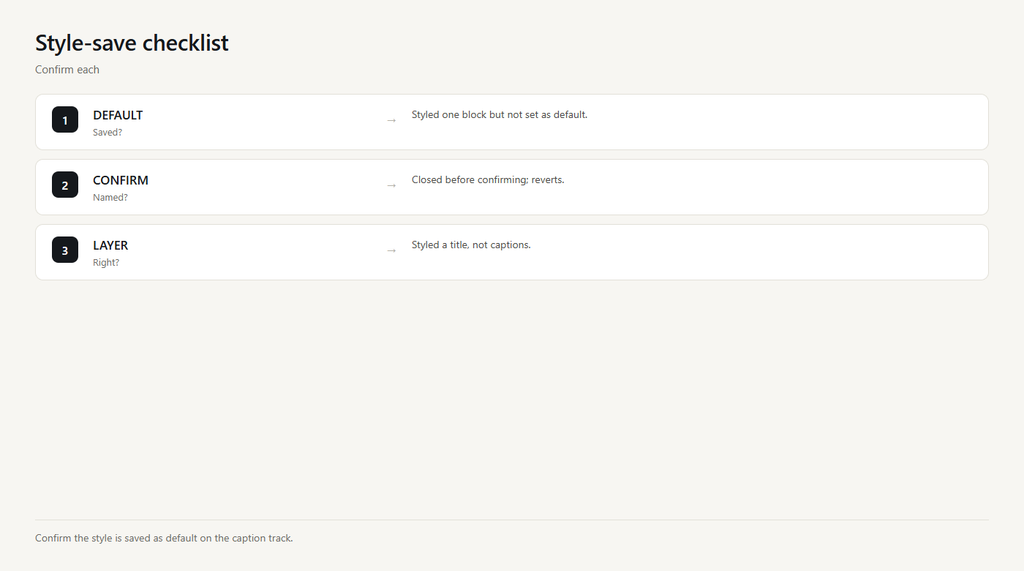
Problem 1: Style set per caption, not as default
If you style one caption block only, the next auto-caption block uses the default look and your changes don’t carry over.
- After styling, tap ‘Set as default’ (or ‘Apply to all’) in the caption style panel.
- Confirm the style now applies to every caption block.
- Add new captions; they should keep the look.
Problem 2: Default not confirmed
Some versions need you to explicitly save the style as default; closing without confirming reverts to the previous default.
- Open the caption style menu and choose ‘Save as default’.
- Name or confirm the preset when prompted.
- Reopen the project to verify it stuck.
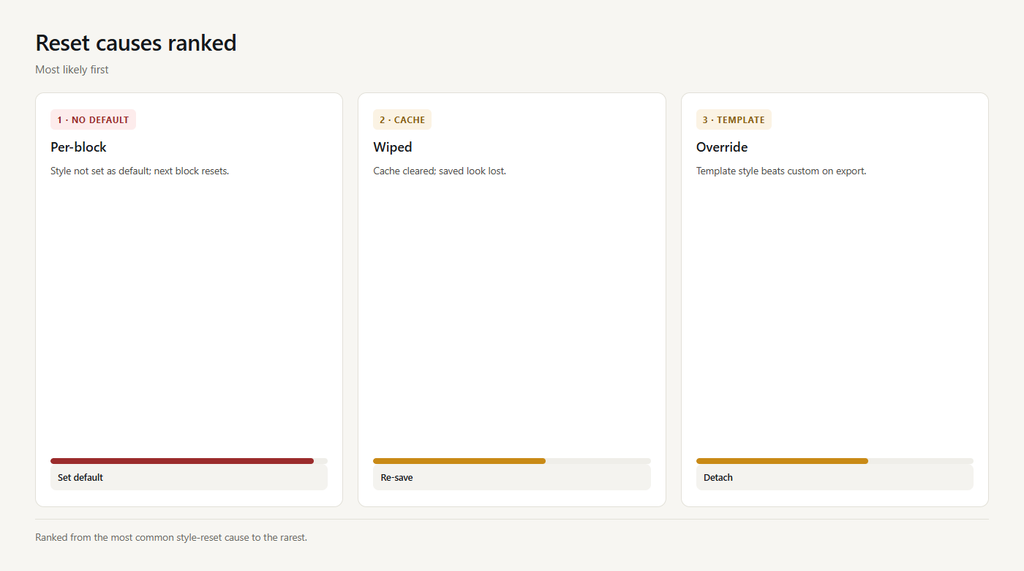
Problem 3: Cache or app reset
A cleared cache or app reinstall wipes saved caption defaults, so styles revert.
- Re-apply your style and save as default again.
- Avoid clearing the style/caption cache unless needed.
- Sign in so settings sync to your account.
Problem 4: Wrong layer selected
Styling a different text layer (a manual title) doesn’t change the auto-caption default, so captions still reset.
- Select the actual caption track, not a separate title.
- Apply and save the style there.
- Confirm captions now hold the look.
Problem 5: Template override
If captions come from a template, the template’s built-in style overrides your custom one on export.
- Detach or duplicate the caption track from the template.
- Apply your style to the detached track.
- Re-export to confirm it holds.
FAQ
How do I save a caption style in CapCut?
Style one caption, then tap ‘Set as default’ or ‘Apply to all’ in the caption panel. New and existing caption blocks then use that look.
Why do my CapCut captions reset to default?
You styled one block but didn’t set it as default, or the app cleared its cache. Save as default and avoid wiping the caption cache.
Why won’t my caption font stay?
The font was applied per block, not as default, or a template overrides it. Set as default on the caption track and detach from the template.
Do caption styles sync across devices?
If you’re signed in, saved styles and drafts can sync via CapCut Cloud; sign in so a reset or new device keeps your look.
Why does the style change only on some captions?
Usually those blocks came from a template or were added after you set the default. Apply ‘Apply to all’ to push the style to every block.